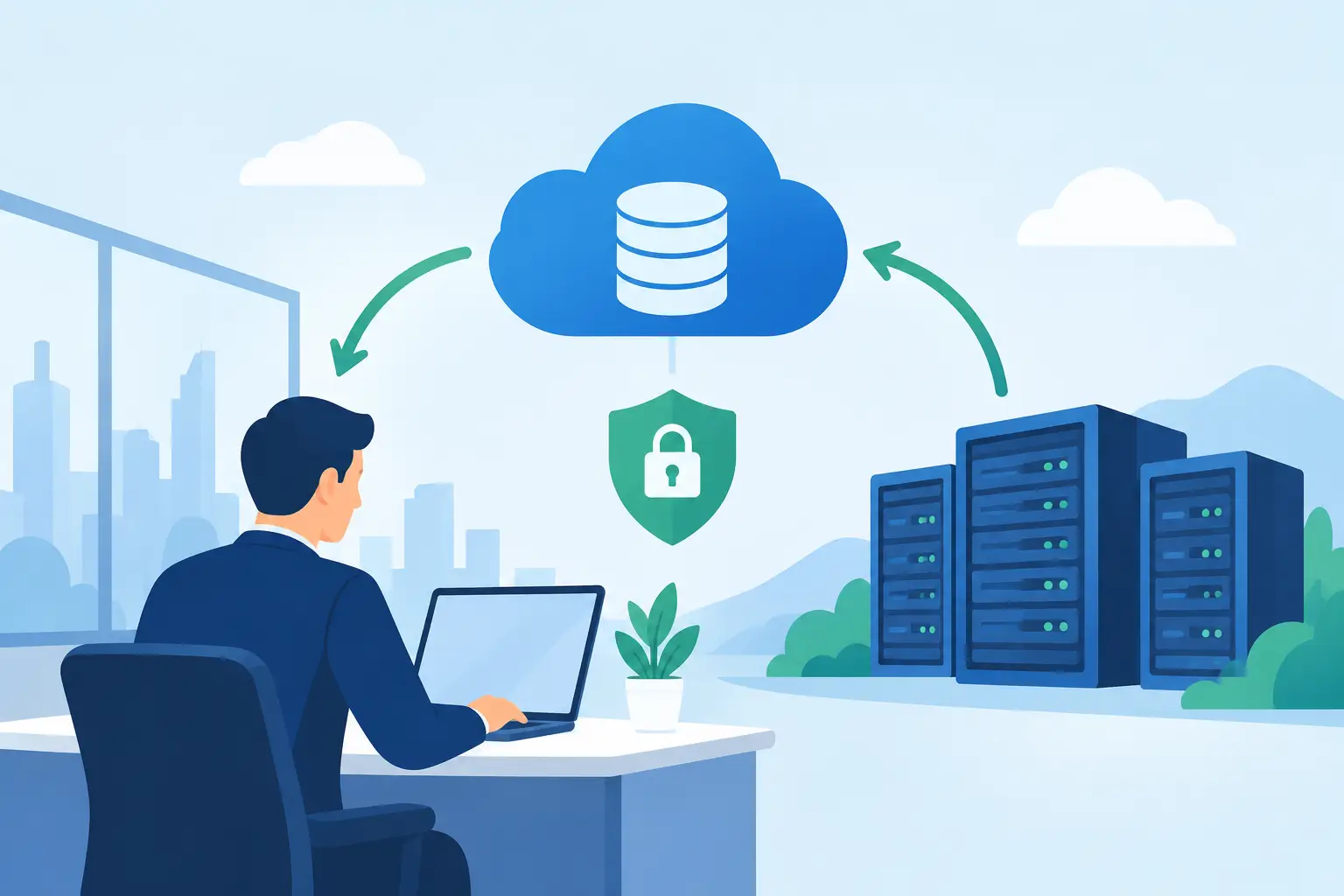
A server can fail at 10 a.m., a laptop can be stolen from a vehicle, or ransomware can lock every shared folder before lunch. For a small business, the real problem is not only losing files. It is losing invoices, customer records, schedules, email, accounting access, and the ability to keep serving clients. Offsite backup for businesses gives your data a place to recover from when the equipment in your office cannot.
A backup is not simply a copy of files saved somewhere else. It is a recovery plan for the moments when work stops unexpectedly. The right approach helps your team restore the information it needs quickly, limits how much recent work is lost, and gives owners a clear answer when someone asks, “Are we covered?”
Why Local Backups Alone Are Not Enough
Many offices keep an external drive connected to a computer or use a network storage device in the same building. Those tools can be useful, especially when a file needs to be restored quickly. But they share the same physical risks as the systems they protect.
A fire, flood, power event, theft, or electrical surge can damage both the server and the nearby backup device. Ransomware can also reach connected drives and shared storage if they are accessible from an infected computer. If the only backup sits beside the equipment that failed, it may not be a backup when you need it most.
Cloud applications create another common misunderstanding. Microsoft 365, Google Workspace, QuickBooks Online, and similar platforms provide availability, but that does not always mean they retain every deleted file, overwritten record, or compromised account exactly as your business needs. Their responsibility is to keep their service running. Your responsibility is to protect your company’s data and make sure it can be restored.
What Offsite Backup for Businesses Should Protect
The best backup plan begins with an honest inventory of what your organization cannot afford to lose. That usually includes more than documents stored on a server.
For many Los Angeles County offices, essential data includes shared files, accounting databases, customer information, email mailboxes, line-of-business applications, employee workstations, cloud-based collaboration files, and network configurations. A dental office, legal practice, contractor, property manager, or professional services firm may also have specialized applications that require careful backup and recovery planning.
Not every item needs the same backup schedule. A file server containing active job records may need multiple backups each day, while archived records may need less frequent protection. This is where a practical conversation matters more than a one-size-fits-all package.
Recovery Point and Recovery Time Matter
Two simple goals shape a backup strategy. The recovery point objective, often called RPO, is how much recent work your business can afford to lose. If backups run nightly and a failure happens late in the afternoon, you could lose a full day of changes.
The recovery time objective, or RTO, is how long your business can operate without the affected system. A few hours without access to a shared folder may be inconvenient. Several days without accounting, client records, or email can create serious financial and reputational damage.
There is a trade-off. More frequent backups and faster recovery typically require more storage, stronger infrastructure, and closer management. The goal is not to pay for the most elaborate setup available. It is to match the protection level to the real cost of downtime.
A Strong Backup Plan Uses More Than One Copy
A dependable approach follows the familiar 3-2-1 principle: keep at least three copies of important data, store them on two different types of media, and keep one copy offsite. For a small business, that may mean production data on a server or cloud platform, a local backup for quick restores, and an encrypted offsite copy in a separate location.
This layered design is valuable because different problems call for different recovery options. Accidentally deleting a folder may be resolved from a local backup in minutes. A ransomware incident or building disaster may require the offsite copy instead.
Modern backup systems can also retain multiple versions of files. That matters when damage goes unnoticed for several days. If an employee saves over the wrong spreadsheet or malware quietly alters files over time, restoring only the latest backup may restore the damage as well. Version history gives you a better chance of returning to a clean point in time.
Protect Backups From Ransomware Too
Ransomware groups increasingly target backups because attackers know recovery is their leverage. Backups should be encrypted, access-controlled, monitored, and separated from ordinary user credentials. Multifactor authentication should protect the accounts used to manage backup systems.
For critical data, consider immutable backup storage. Immutability means backup records cannot be altered or deleted for a set retention period, even by an account that has been compromised. It is not a substitute for cybersecurity, but it adds an important layer when an attack gets past other defenses.
Keep in mind that encryption only helps when encryption keys and recovery credentials are managed properly. A backup that cannot be accessed during an emergency is no more useful than a backup that never ran.
Backup Success Is Measured by Restore Testing
A green check mark in a backup dashboard does not prove that your business can recover. It only shows that a job appears to have completed. The files could be incomplete, the application database could be inconsistent, or the restoration process could take far longer than expected.
Regular restore testing turns backup from a hopeful assumption into a dependable business control. Test a few levels of recovery: a single deleted file, a user mailbox, a workstation, a key application, and a larger server or system recovery. Document what worked, how long it took, and where the process needs improvement.
Testing also identifies details that are easy to overlook during normal operations. Does the backup include the application settings needed to reopen a database? Are replacement devices available? Who has authority to start a major recovery? Can staff work remotely if the office is inaccessible?
For a business without internal IT staff, these questions can feel technical. They do not need to be. A managed IT partner can explain the recovery options in plain language and handle scheduled checks so potential problems are found before an emergency.
Common Gaps That Leave Businesses Exposed
Backup problems are often caused by assumptions rather than bad intentions. An employee may be saving critical files only on a desktop. A new cloud platform may be added without being included in the backup plan. An old server may still be running a backup job that no one has reviewed in months.
Watch for these warning signs:
- Backup reports are never reviewed by a person.
- Important laptops or remote employees are not included.
- One administrator account controls everything.
- Backups have never been restored and tested.
- Retention periods are too short for your legal, financial, or operational needs.
- The office has no written plan for responding to a ransomware event or site outage.
A backup review should also consider compliance and confidentiality. Businesses that handle health information, financial records, legal documents, or sensitive customer data may need specific retention, encryption, and access controls. Requirements vary by industry, so the backup design should reflect the information your organization actually handles.
Choosing a Practical Backup Strategy
The right setup depends on where your data lives and how quickly it must come back. A fully cloud-based office may need strong cloud-to-cloud backup and endpoint protection. A company with an on-premises server may benefit from a local recovery device plus encrypted offsite replication. A hybrid environment often needs both.
Cost should be evaluated against downtime, not just storage capacity. Consider what one day without your most important systems would cost in missed appointments, delayed projects, payroll issues, overtime, lost sales, and customer frustration. For many smaller organizations, a managed backup service is easier to budget than the consequences of rebuilding after a failure.
Azusa Technology helps businesses evaluate their systems, identify data that needs protection, and build backup plans that fit day-to-day operations. That can include monitoring backup jobs, securing recovery access, and providing hands-on help when a restore is needed.
Make Recovery Part of Normal Operations
A good offsite backup plan should not sit in a binder until something goes wrong. Review it when you add staff, move offices, replace servers, adopt new software, or shift more work to the cloud. Those changes often create gaps without anyone realizing it.
The reassuring part is that meaningful protection does not require turning your office into a data center. It requires knowing what matters, keeping protected copies outside your primary location, and verifying that recovery will work. When the unexpected happens, the best backup is the one that lets your team get back to serving customers with the least possible disruption.