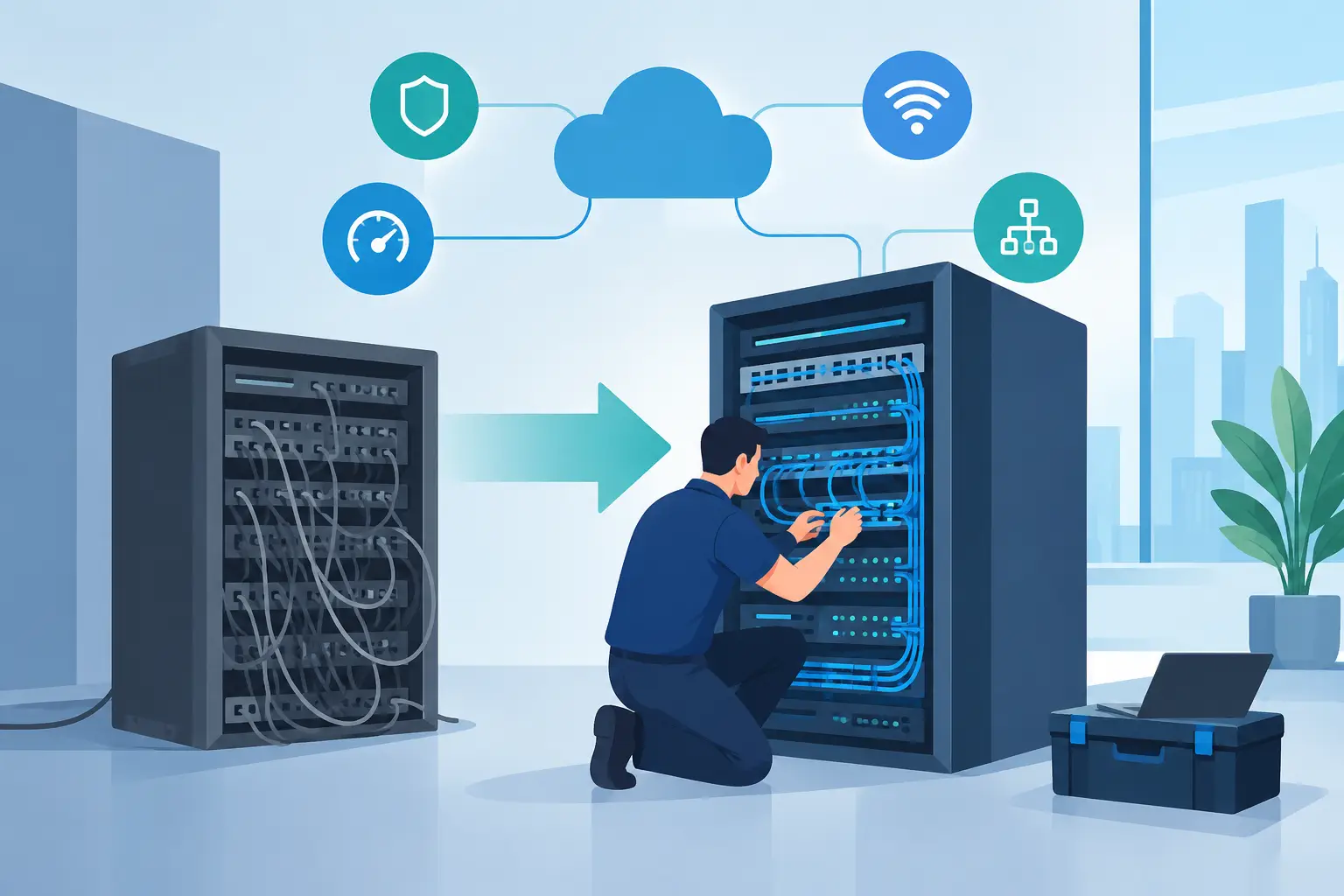
A slow network rarely fails all at once. It shows up as video calls that freeze during client meetings, cloud files that take too long to open, Wi-Fi dead zones in the back office, or a point-of-sale system that drops at the worst possible moment. Network upgrade services address these daily frustrations before they become expensive downtime, security exposure, or a reason employees lose confidence in the tools they need to work.
For a small business, home office, or busy household in Los Angeles County, an upgrade is not simply a matter of replacing a router. The right plan looks at how people work, which devices need reliable access, where sensitive data travels, and what could interrupt operations. That is how a network becomes a dependable business tool rather than another source of support tickets.
Signs Your Network Has Outgrown Its Setup
Most networks are built for a specific moment. A business may have started with a few desktops, one printer, and basic internet service. Then it added cloud applications, laptops, mobile devices, security cameras, guest Wi-Fi, VoIP phones, and remote staff. The original equipment may still turn on, but that does not mean it is suited to the workload.
Repeated slowdowns are an obvious signal, especially when performance declines at predictable times of day. If everyone has trouble accessing cloud systems at once, the issue may be internet capacity, aging switching equipment, poor Wi-Fi coverage, or network traffic that has never been properly prioritized. Guessing can lead to spending money on the wrong fix.
Security is another reason to evaluate the network. Older routers and firewalls may no longer receive updates. Consumer-grade equipment may lack the controls a professional office needs, such as separate guest access, secure remote connections, device visibility, and threat monitoring. A network upgrade can reduce risk, but only when security is designed into the work rather than added as an afterthought.
Physical changes matter too. An office move, remodel, new warehouse area, or additional staff can expose coverage gaps that were not apparent before. In a home office, the need may be just as practical: dependable video conferencing, secure access to work systems, and strong connectivity throughout the property.
What Network Upgrade Services Should Include
A useful upgrade begins with an assessment. Before replacing equipment, a technician should identify the network’s current layout, connected devices, internet service, coverage limitations, and business-critical applications. A medical office, law firm, contractor, and retail shop may all need reliable Wi-Fi, but their priorities and risks are different.
The work may include new routers, managed switches, wireless access points, firewall configuration, structured cabling, server or network-attached storage connections, and battery backup planning. It can also involve separating employee, guest, camera, and business-system traffic so that one type of activity does not interfere with another.
For many organizations, Wi-Fi is the most visible part of the upgrade. Better wireless coverage is valuable, but stronger signal bars alone are not the goal. Proper access-point placement, channel planning, secure authentication, and capacity planning help ensure that the network holds up when multiple people are on calls, transferring files, or using cloud-based software at the same time.
A firewall deserves equal attention. It helps manage traffic entering and leaving the network, supports secure remote access, and can enforce policies that reduce unnecessary exposure. The best choice depends on the size of the environment, the sensitivity of the data, and whether the organization needs ongoing monitoring and management.
Upgrading for Productivity Without Creating More Downtime
Business owners often delay upgrades because they are concerned about disruption. That concern is reasonable. Changing network equipment without planning can interrupt phones, printers, payment terminals, cameras, shared drives, and remote access.
A well-managed project reduces that risk by documenting the existing setup, identifying dependencies, preparing equipment before installation, and scheduling the cutover around the client’s operating hours. For some offices, that means evening or weekend work. For others, a phased approach makes more sense, such as upgrading Wi-Fi first and replacing core network equipment after it has been tested.
There are trade-offs. The lowest-cost equipment may work for a small number of devices but become difficult to manage as the office grows. High-end enterprise hardware can offer excellent control and performance, but may be unnecessary for a five-person office with straightforward needs. The right solution is sized for current work while leaving sensible room for growth.
Documentation also matters after installation. Knowing where equipment is located, how it is configured, which systems have reserved addresses, and who has administrative access makes future support faster and safer. It turns the network from a collection of mystery boxes into an environment that can be maintained with confidence.
Security and Reliability Need Ongoing Attention
An upgrade is a strong starting point, not a permanent finish line. Networks need firmware updates, configuration reviews, monitoring, and occasional adjustments as employees, software, and threats change. A new firewall cannot provide its full value if it is never updated or if alerts are ignored.
For businesses without an internal IT department, managed monitoring can provide early warning of failing equipment, unstable connections, storage problems, or unusual activity. Remote support may resolve many issues quickly, while on-site assistance remains important for cabling work, hardware replacement, and problems that require a technician in the building.
Data protection should be part of the conversation as well. A reliable network supports backups, but backups must be checked independently to confirm that critical files can be restored. If a ransomware incident, hardware failure, or accidental deletion occurs, the difference between having a backup and having a recoverable backup is significant.
Questions to Ask Before Approving a Network Upgrade
Before moving forward, ask what specific problem the upgrade is intended to solve. “Faster Wi-Fi” is a useful goal, but it should be connected to real needs, such as supporting video calls, improving cloud access, extending coverage to a new area, or protecting systems that handle customer information.
It is also worth asking whether the proposal includes installation, configuration, testing, documentation, and post-installation support. Equipment costs are only one part of the project. A device that is installed but poorly configured can create a false sense of security and leave users with the same problems they had before.
Finally, ask how the solution will be supported over time. Who receives alerts? How quickly can someone help if the internet goes down? Is on-site support available if a hardware issue cannot be resolved remotely? Clear answers make it easier to compare options based on value instead of price alone.
A Local Partner Makes the Process Easier
A local technology partner can bring practical context to the project. They can see the building layout, identify cabling limitations, test coverage in the areas where people actually work, and provide hands-on help when a change affects daily operations. That local presence is especially useful for small and midsize organizations that need capable IT support without hiring a full internal team.
Azusa Technology helps businesses, home offices, and households evaluate network concerns in plain language, from unreliable Wi-Fi and aging equipment to firewall management and ongoing monitoring. The goal is not to sell more hardware than necessary. It is to build a network that supports the work being done and gives users fewer reasons to stop what they are doing and ask, “Is the internet down again?”
If your network is creating delays, security concerns, or recurring support calls, start with an honest assessment of what is happening now. A thoughtful upgrade can replace daily workarounds with dependable connectivity and leave your team free to focus on the work that matters.