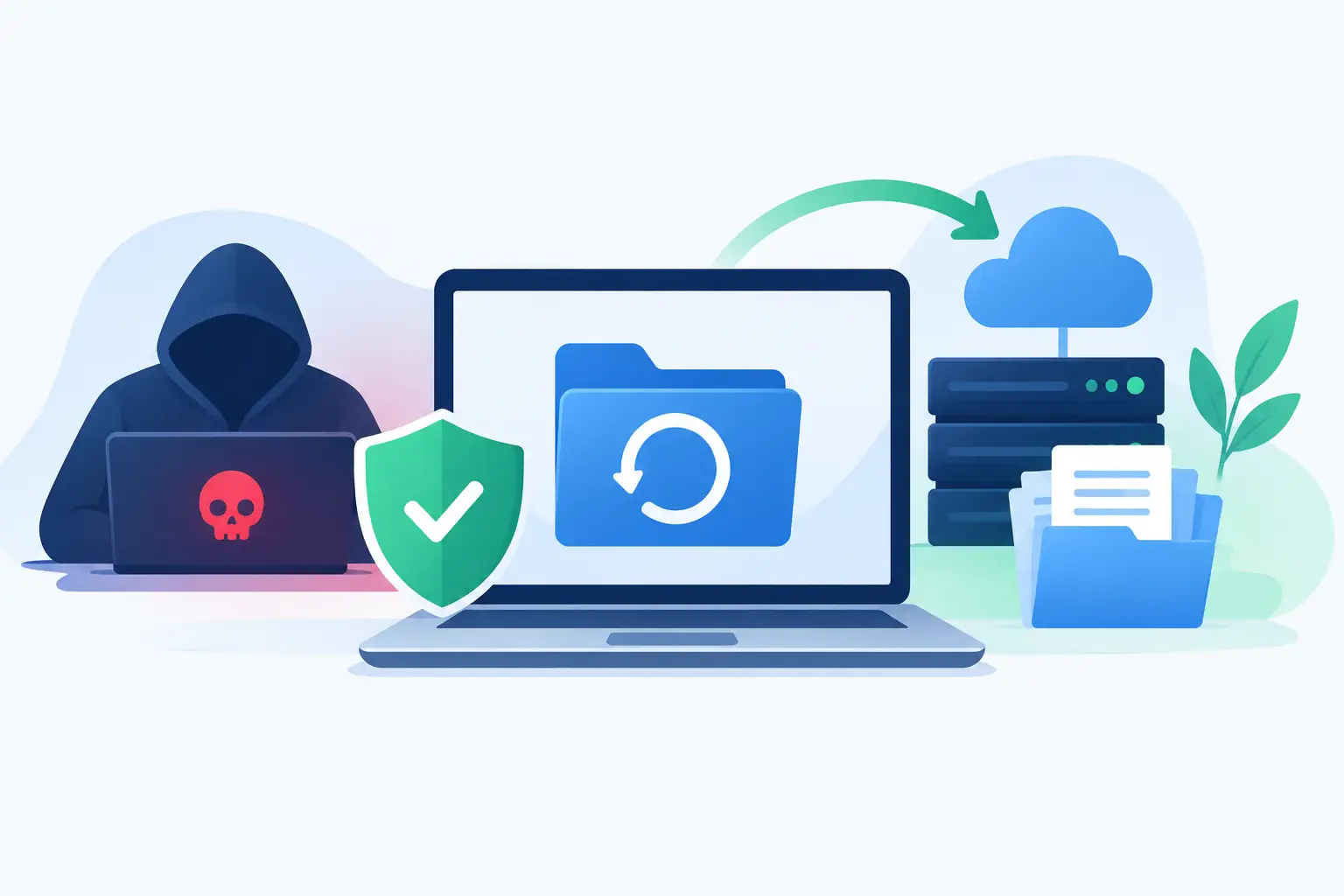
A ransomware attack rarely starts with a dramatic warning. An employee opens a convincing email, a stolen password is used after hours, or an unpatched computer is quietly accessed. By the time files are encrypted and a ransom note appears, the real question is not whether your business has backups. It is whether those backups, systems, people, and decisions can work together under pressure. A ransomware recovery planning service gives your organization a practical path back to operation without relying on guesswork.
For a small or midsize business, downtime can quickly affect payroll, customer appointments, invoicing, access to shared files, and communication with vendors. A professional office may lose access to case files or patient records. A construction company may be unable to reach plans and schedules. A home office can lose years of financial documents and client work. Recovery planning turns a stressful technology event into a managed business process.
What a ransomware recovery planning service should do
A good recovery plan is more than a document stored in a folder. It identifies the systems your organization cannot operate without, defines how quickly each one must be restored, and confirms that the required data is available in a clean, usable form.
The service begins with an honest review of your environment. That includes computers, servers, cloud applications, network equipment, email accounts, line-of-business software, remote access tools, and current backup systems. The goal is to find dependencies that are easy to miss. For example, restoring a server does not help much if staff cannot log in, internet access is unavailable, or the application license and configuration files were not preserved.
From there, the plan should establish two practical targets. The recovery time objective is how long a system can be unavailable before the disruption becomes unacceptable. The recovery point objective is how much recent data your business can afford to lose. A company that processes transactions all day may need more frequent backups than an office that updates records once each evening.
These targets involve trade-offs. Faster recovery and more frequent backups usually require additional storage, licensing, configuration, and monitoring. The right solution is not always the most expensive one. It is the one that protects the applications and data your business truly depends on at a cost that makes sense.
Backups matter, but recovery is the real test
Many businesses discover too late that having a backup is not the same as being able to recover. A backup may be incomplete, corrupted, connected to the same network as the infected systems, or too old to support normal operations. Cloud synchronization also is not automatically a ransomware recovery solution. If encrypted files synchronize to the cloud, the damaged versions may be copied there as well.
A recovery planning service reviews where copies of data are kept and whether they are protected from alteration. In many environments, that means maintaining multiple copies, including one that cannot be easily changed or deleted by an attacker. It also means protecting backup administration accounts with strong passwords and multifactor authentication.
Just as important, recovery needs to be tested. Restoring a few files is useful, but it does not prove that a business can restore an entire server, accounting application, shared drive, or cloud environment. Testing reveals practical issues before an emergency: missing credentials, slow restore speeds, undocumented settings, incompatible hardware, or a backup job that has been failing quietly.
Plan for the first hours, not just the final restore
The first hours after a suspected ransomware incident are often confusing. Staff may be tempted to reboot computers, delete files, or continue working around the problem. Those actions can make investigation and recovery harder. A clear plan gives employees and decision-makers a simple sequence to follow.
The response process should identify who has authority to make decisions, who contacts your IT provider, and how employees report suspicious activity. It should also define how affected devices are isolated from the network without shutting down systems that may still be needed for evidence or recovery.
Communication deserves its own place in the plan. Your team needs a way to communicate if company email, phones, shared documents, or messaging tools are unavailable. Customers may need updates if appointments, orders, or service delivery are affected. Depending on the information involved, legal counsel, insurance providers, regulators, and law enforcement may also need to be contacted. The right steps depend on the incident, the industry, and whether personal or protected information may have been exposed.
A useful plan does not force an office manager to become a cybersecurity expert overnight. It provides clear contacts, decision points, and instructions written in language people can use when time is limited.
Recovery must be prioritized by business impact
Trying to restore everything at once can delay the systems that matter most. A recovery plan ranks technology according to the impact of an outage. For one organization, email and internet access may come first. For another, the critical system may be a point-of-sale platform, scheduling database, file server, medical application, or remote-access environment.
This order should be reviewed with the people who run the business, not decided by technology alone. Owners, office managers, department leads, and outside software vendors can explain which processes have deadlines, which work can continue manually, and which systems depend on one another.
For example, a small accounting firm may be able to work temporarily without a shared printer but not without its tax software, document management platform, and secure client communications. A retailer may need payment processing and inventory records restored before internal reporting. Priorities can also change during busy seasons, which is why a recovery plan should be updated as the business changes.
Security improvements should follow the recovery plan
Recovery planning is not separate from prevention. The same assessment that identifies recovery gaps often finds security weaknesses that make ransomware more likely, such as outdated devices, exposed remote access, shared administrator accounts, missing software updates, or weak email protections.
A practical service addresses both sides. It can help put multifactor authentication in place, improve firewall settings, remove unnecessary access, monitor systems for unusual activity, and make sure computers receive needed updates. Employee guidance also matters because phishing messages and fraudulent login requests remain common entry points.
No security measure can promise that an attack will never happen. The goal is to make an incident harder to carry out, easier to detect, and less damaging if it succeeds. That is a much more realistic standard than relying on a single product or one annual training session.
What ongoing support looks like
A ransomware recovery plan should not be created once and forgotten. New computers, cloud services, employees, vendors, and software can all change how recovery needs to work. Even a move to a new office or a network upgrade can affect backup connections and restore procedures.
Ongoing IT support gives the plan a better chance of working when it is needed. Backup jobs can be monitored, security updates can be applied, user access can be reviewed, and recovery tests can be scheduled. When an issue appears, a local technology partner can often troubleshoot remotely and provide on-site help when hands-on support is necessary.
For Los Angeles County businesses that do not have a full internal IT department, this level of oversight can make the difference between a short disruption and a prolonged business crisis. Azusa Technology helps organizations look beyond the immediate repair by aligning data protection, network security, and recovery steps with the way their teams actually work.
The best time to make recovery decisions is before someone is staring at an encrypted screen and a countdown timer. Start by identifying the files, applications, and services your business cannot afford to lose, then make sure your recovery process has been tested by people who will be there when it counts.