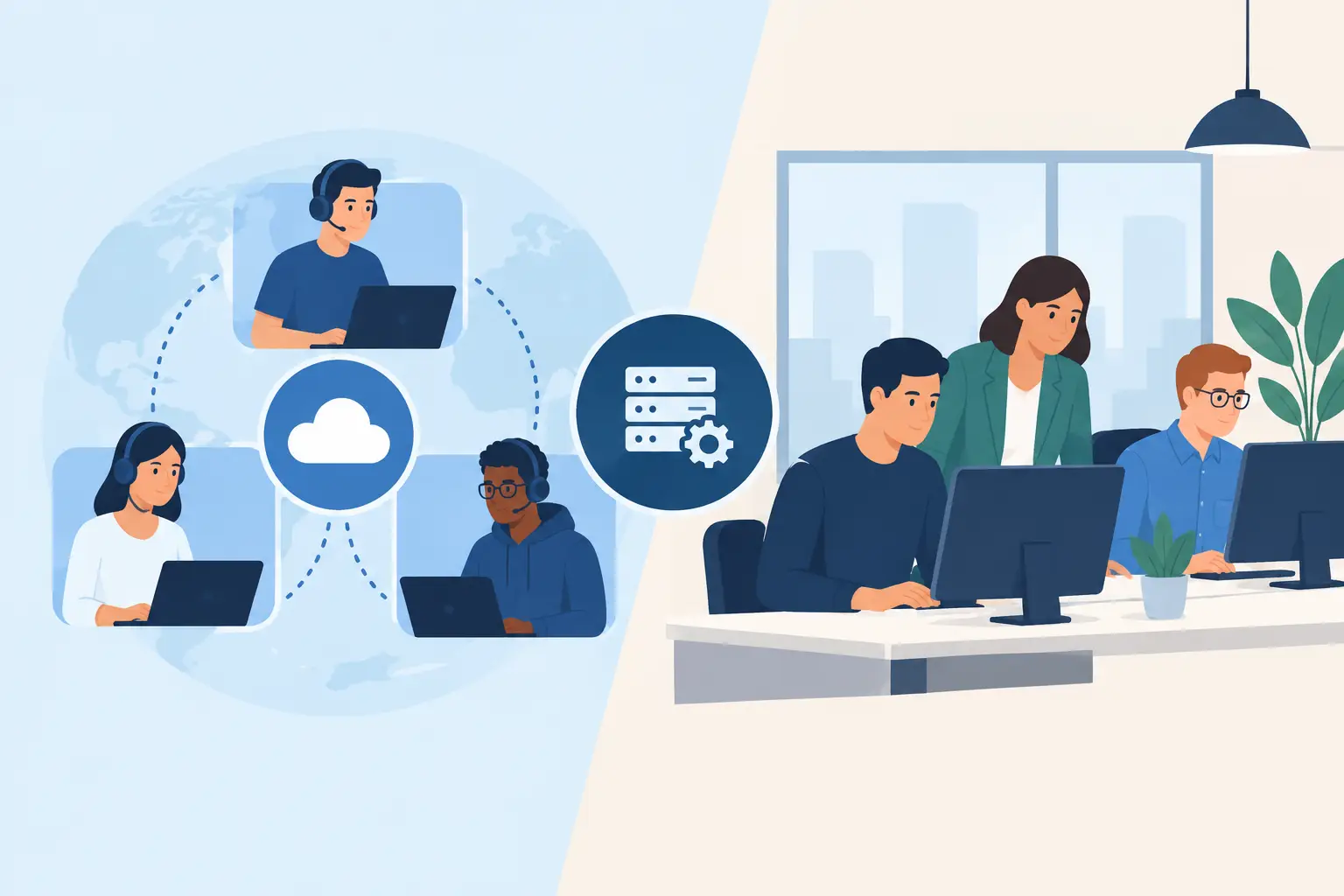
A server warning at 8:15 a.m., slow Wi-Fi during a client meeting, or a suspicious email opened by an employee can quickly become an expensive interruption. For small and midsize organizations, the question of outsourced IT versus internal staff is not simply about who fixes computers. It is about who keeps your people productive, your data protected, and your business moving when technology fails.
There is no single right answer for every organization. A growing company with complex in-house systems may benefit from dedicated internal expertise. A professional office, retail business, home office, or local service company may get better coverage and more predictable costs from an outsourced technology partner. The best choice depends on your daily needs, risk level, budget, and plans for growth.
What Internal IT Staff Bring to the Table
An internal IT employee works inside your organization every day. They know your staff, systems, workflows, and recurring frustrations. When an employee needs help with a printer, a password, or a new computer, they may have someone nearby who can respond quickly and understand the context without a long explanation.
For businesses with large technology environments, that familiarity can be valuable. An internal team may manage specialized line-of-business software, proprietary equipment, detailed compliance requirements, or a high volume of daily technical requests. They can also participate directly in department planning and build close working relationships across the company.
The challenge is coverage. One IT employee cannot realistically provide help desk support, cybersecurity oversight, network administration, hardware repairs, vendor coordination, backups, and strategic planning at the same time. Vacation, sick days, training, and after-hours incidents can leave a business without the support it needs.
Hiring internally also involves more than salary. There are payroll taxes, benefits, recruiting time, continuing education, software tools, and the cost of replacing an employee if they leave. For a small business, paying for a full-time professional with broad technical and security experience may not fit the budget, even when technology is central to daily operations.
Where Outsourced IT Can Be a Better Fit
Outsourced IT gives a business access to a team instead of depending on one person. That matters because modern technology requires different skills. The person who can configure a firewall may not be the person best equipped to recover lost data, troubleshoot a cloud application, repair a laptop, or plan a network upgrade.
With a managed IT provider, businesses typically receive ongoing monitoring, remote support, cybersecurity attention, backup oversight, and guidance on equipment and software decisions. The provider can often resolve many issues remotely before they disrupt the workday, then provide on-site support when a hands-on visit is necessary.
This model is especially useful for Los Angeles County businesses that do not need a full internal department but cannot afford to wait for technology problems to escalate. A well-managed network is less likely to surprise you with an avoidable outage, an expired security tool, or a failed backup discovered only after files are missing.
Outsourcing does not mean giving up control. A good provider should explain what is happening in plain language, document the work, make recommendations based on your goals, and help you make informed decisions. You still decide what technology to buy, which risks to accept, and where to invest. The provider supplies the technical perspective and day-to-day support to make those decisions easier.
Outsourced IT Versus Internal Staff: Compare the Real Costs
The monthly price of outsourced support can appear higher than calling a repair technician only when something breaks. But break-fix support is not the same as proactive IT management. If nobody is watching critical systems, small issues can become downtime, lost work, missed appointments, or a security incident.
Internal IT may look straightforward because the cost is visible as a salary. Yet the true cost includes benefits, onboarding, management time, training, tools, and the risk of having knowledge concentrated in one employee. If that person leaves, the business may lose access to passwords, vendor history, network details, and important documentation.
Outsourced support is generally easier to budget because services are often provided for an agreed monthly fee. The value is not just labor hours. It is the ability to draw on multiple specialists, receive coverage beyond normal office hours, and keep routine maintenance from being pushed aside by urgent tickets.
That said, outsourced IT is not automatically less expensive in every case. A larger organization with hundreds of employees, a dedicated data center, or highly specialized applications may need internal staff regardless of whether it also works with an outside provider. In those cases, the strongest setup is often a blended one: internal employees handle business-specific systems while the outsourced team provides monitoring, security, project support, and additional capacity.
Response Time Matters More Than Location Alone
Some business owners prefer internal staff because they want someone physically present. That preference is understandable, especially after a hardware failure or a network outage. But many common issues can be resolved faster through secure remote support than by waiting for a technician to drive across town.
The better question is whether support is available when you need it and whether the provider can come on-site when remote troubleshooting is not enough. For example, a failed switch, damaged cable, Wi-Fi dead zone, new office setup, or computer repair may require an experienced technician in person. Password resets, software errors, access problems, and many device issues can often be fixed remotely within minutes.
A local managed service provider offers both options. Azusa Technology combines remote assistance with on-site technical support, so businesses can receive practical help without being treated like a ticket number in a distant queue.
Security and Backup Should Shape the Decision
Cybersecurity is one of the clearest reasons to look beyond a single part-time IT resource or occasional repair service. Phishing emails, weak passwords, unpatched computers, outdated firewalls, and missing backups create risk even for small offices. Criminals often target organizations that assume they are too small to be noticed.
An internal IT professional may be highly capable, but security requires consistent attention. Devices need updates. User access needs review. Backups need testing. Alerts need someone to investigate them, including after business hours. A managed IT team can spread these responsibilities across trained professionals and processes rather than relying on one person to remember every task.
Still, tools and monitoring alone do not make a business secure. Employees need clear guidance, owners need realistic policies, and leadership needs to approve appropriate investments. Your support model should make security a routine part of operations, not a rushed project after an incident.
Signs Your Business May Need Outsourced Support
Outsourced IT is often a practical fit when technical work is pulling employees away from their actual jobs. If the office manager has become the unofficial computer fixer, problems are likely taking longer to resolve and important maintenance may be overlooked.
It may also be time to consider outside support if your business has no tested backup plan, recurring Wi-Fi or network issues, growing cloud software needs, new compliance concerns, or difficulty getting reliable help after hours. These are not simply technical inconveniences. They affect customer service, staff productivity, and the ability to recover from a serious disruption.
On the other hand, if you already have internal IT staff, an outsourced partner can fill gaps rather than replace them. Extra help during an office move, hardware refresh, cybersecurity review, network upgrade, or employee absence can protect your internal team from becoming overwhelmed.
Choose Support That Matches How You Work
Before making a decision, look at the last six months of technology issues. Consider how often work stopped, which problems took the longest to solve, whether backups have been tested, and who is responsible when trouble happens outside regular hours. Those answers reveal more than a simple comparison of hourly rates.
The right IT arrangement should give your employees a clear path to help, keep your systems maintained before problems grow, and provide honest guidance when it is time to repair, replace, or upgrade equipment. Whether that means building an internal team, working with an outsourced provider, or combining both approaches, dependable support should leave you with more time to serve customers and run your business.