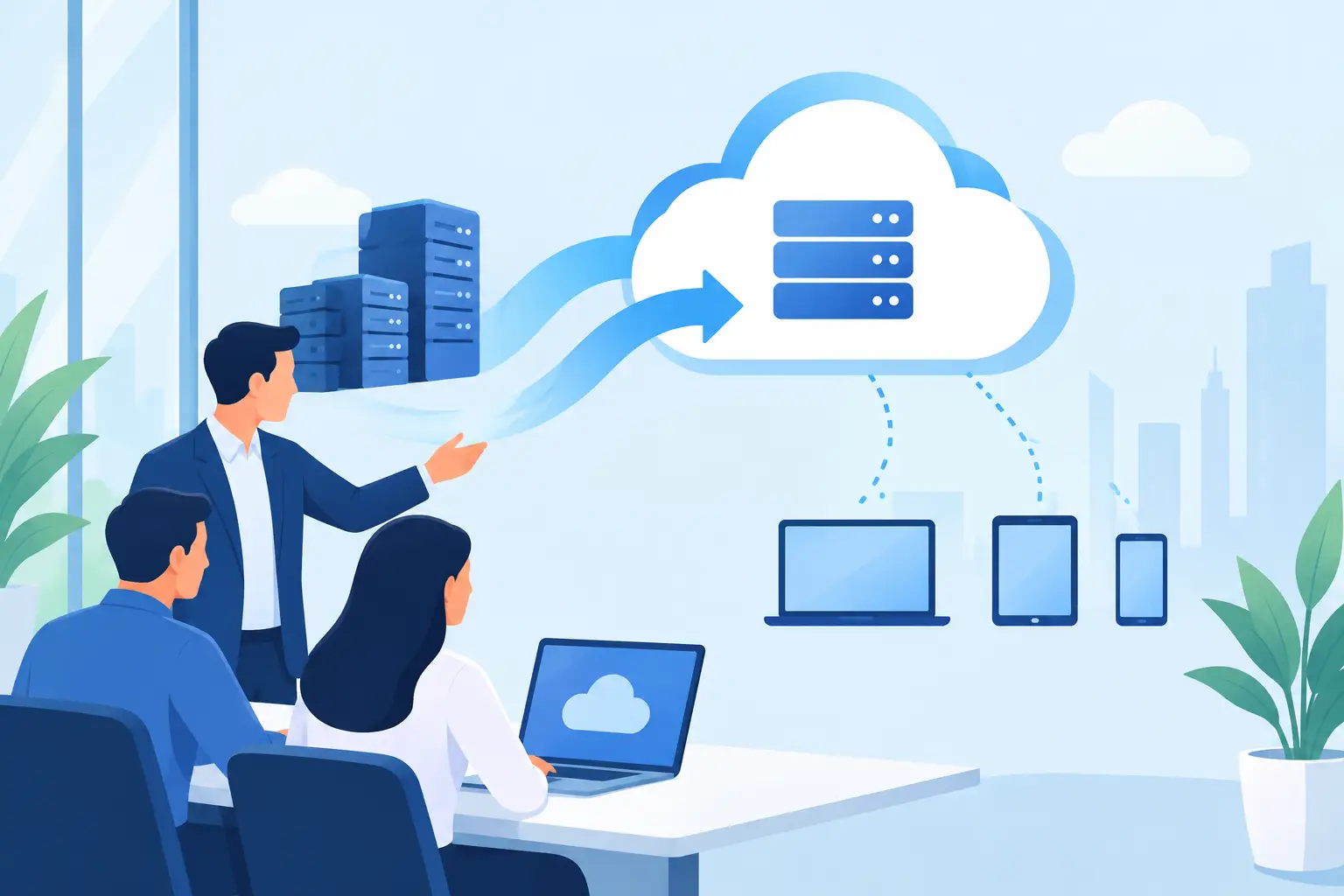
A cloud move can look simple from the outside: move files, sign in to new software, and retire an old server. For a working office, it is rarely that simple. Cloud migration consulting gives businesses a practical plan for moving data, applications, email, and daily workflows without leaving staff locked out of the tools they need to serve customers.
For small and midsize organizations, the real cost of a rushed migration is not the monthly cloud bill. It is the employee who cannot access client records, the accounting application that no longer prints correctly, or the shared drive permissions that expose sensitive information. A good migration plan protects productivity while making the business easier to support afterward.
Why Cloud Moves Need More Than a File Transfer
Many businesses begin with a specific frustration: an aging server, limited remote access, unreliable backups, or a growing team that needs to work from different locations. Cloud services can address these issues, but moving to the cloud is not automatically the right answer for every system.
Some applications work well in a hosted environment. Others depend on specialized hardware, older databases, large local files, or a steady high-speed connection. A professional office with confidential records may also need stricter access controls and retention rules than a basic file-sharing setup provides. The right approach depends on how your team actually works, not on a one-size-fits-all technology recommendation.
Cloud migration consulting starts by identifying what you have, what is essential, and what can change. That includes computers, servers, user accounts, business applications, Wi-Fi, internet reliability, backup systems, and the way employees share information. This early review prevents a common mistake: moving a problem to a new location without fixing the problem itself.
Start With Business Priorities, Not Products
Before selecting a cloud platform, define what the move needs to accomplish. Maybe your team needs secure access to files from home and the office. Maybe your current server is approaching the end of its life. Perhaps you need better protection against ransomware, more dependable backups, or easier onboarding when a new employee joins.
Clear priorities make technical decisions easier. For example, a small law office may place the highest value on document permissions and audit trails. A construction company may need field teams to access current project files from mobile devices. A home office may simply need reliable backup and a safer way to share files with clients.
The cloud option with the most features is not always the best fit. Monthly licensing costs, internet capacity, staff training, existing software, and compliance needs all affect the final recommendation. Honest consulting should explain these trade-offs in plain language, including when a hybrid setup makes more sense than moving everything at once.
What a Proper Assessment Should Cover
An assessment should create a usable picture of your technology before anyone starts moving data. It should identify which files and applications are actively used, who needs access, where sensitive information lives, and which systems cannot tolerate extended downtime.
It should also review account ownership. Businesses sometimes discover that a former employee set up a key software account using a personal email address, or that nobody has current credentials for a domain, backup service, or line-of-business application. These details are easy to overlook until they delay a project.
Internet service deserves the same attention. Cloud-based tools rely on a dependable connection. If an office has unstable Wi-Fi, outdated switches, or insufficient upload speeds, those issues can make a cloud platform feel slow even when the platform is working correctly. Improving the network may need to be part of the migration plan.
Build a Migration Plan Around Daily Operations
The best time to move a system is not always the fastest possible date. It is the date that minimizes disruption to employees and customers. That may mean migrating in phases, completing the final cutover after business hours, or starting with a small group before moving the whole company.
A sound plan defines the order of work. Email and identity management may come first because they affect nearly every other service. File storage may follow, with permissions tested before broad access is granted. Specialized applications often require their own schedule because they may need vendor coordination, data conversion, or workstation updates.
Every plan should include a rollback option. If a critical application fails after the cutover, the team needs to know whether it can return to the prior system temporarily and how quickly that can happen. A rollback plan is not a sign that a project will fail. It is a practical safeguard that keeps a manageable issue from becoming a business interruption.
Security Must Move With the Data
Moving files to the cloud does not remove the need for security. It changes where security controls are managed. User accounts, passwords, multifactor authentication, device updates, email protection, and backup policies still need attention.
Access should follow job responsibilities. Not every employee needs access to every financial record, customer folder, or administrative setting. Proper permissions reduce accidental changes and limit the damage if an account is compromised. Multifactor authentication adds another layer of protection, especially for email and cloud administration accounts.
Backups remain essential as well. Cloud platforms often protect their own infrastructure, but that does not always mean they provide the version history, retention period, or recovery options your business needs. Files can still be deleted, overwritten, or encrypted by ransomware through a signed-in user account. A separate backup strategy provides a safer recovery path.
Testing Is Where Confidence Comes From
A migration is not complete when the data appears in the new system. It is complete when employees can do their jobs without confusion or lost access. Testing should include the tasks people perform every day: opening shared files, sending and receiving email, printing, accessing line-of-business software, connecting remotely, and recovering a file when needed.
Testing with a few representative users is especially helpful. An office manager, a remote employee, and a department lead may use the same system in very different ways. Their feedback can reveal permission issues, missing folders, slow connections, or training gaps before the wider rollout.
Documentation matters here. Keep a record of administrator accounts, recovery procedures, licensing details, network changes, and support contacts. When a staff member changes roles or a device needs replacement months later, that documentation saves time and prevents unnecessary downtime.
Support After the Move Is Part of the Project
The first few weeks after a migration are when employees need reliable help. Even a well-planned change brings questions: Where did a folder go? Why am I being asked for a code when I sign in? How do I access this file from my laptop? Quick, patient answers help people adopt the new system instead of finding unsafe workarounds.
This is where a local technology partner can make a meaningful difference. Azusa Technology can combine remote support with on-site assistance when a business needs help with devices, network equipment, user setup, or a complicated office transition. The goal is not to make customers become cloud experts. It is to give them dependable technology that supports the way they work.
When Cloud Migration Consulting Makes Sense
Consulting is particularly valuable when a business has more than a few users, handles confidential information, depends on specialized software, or cannot afford an extended outage. It is also useful when leadership is unsure whether to replace a server, improve a current setup, or shift selected services to the cloud.
A small business with simple needs may be able to move email and shared documents with limited assistance. Even then, a short assessment can prevent avoidable security and ownership problems. For a more complex environment, professional planning often costs less than recovering from a poorly timed outage or a failed data transfer.
The right cloud setup should feel less like a major technology event and more like a better workday: staff can find what they need, access is protected, backups are in place, and help is available when something changes.