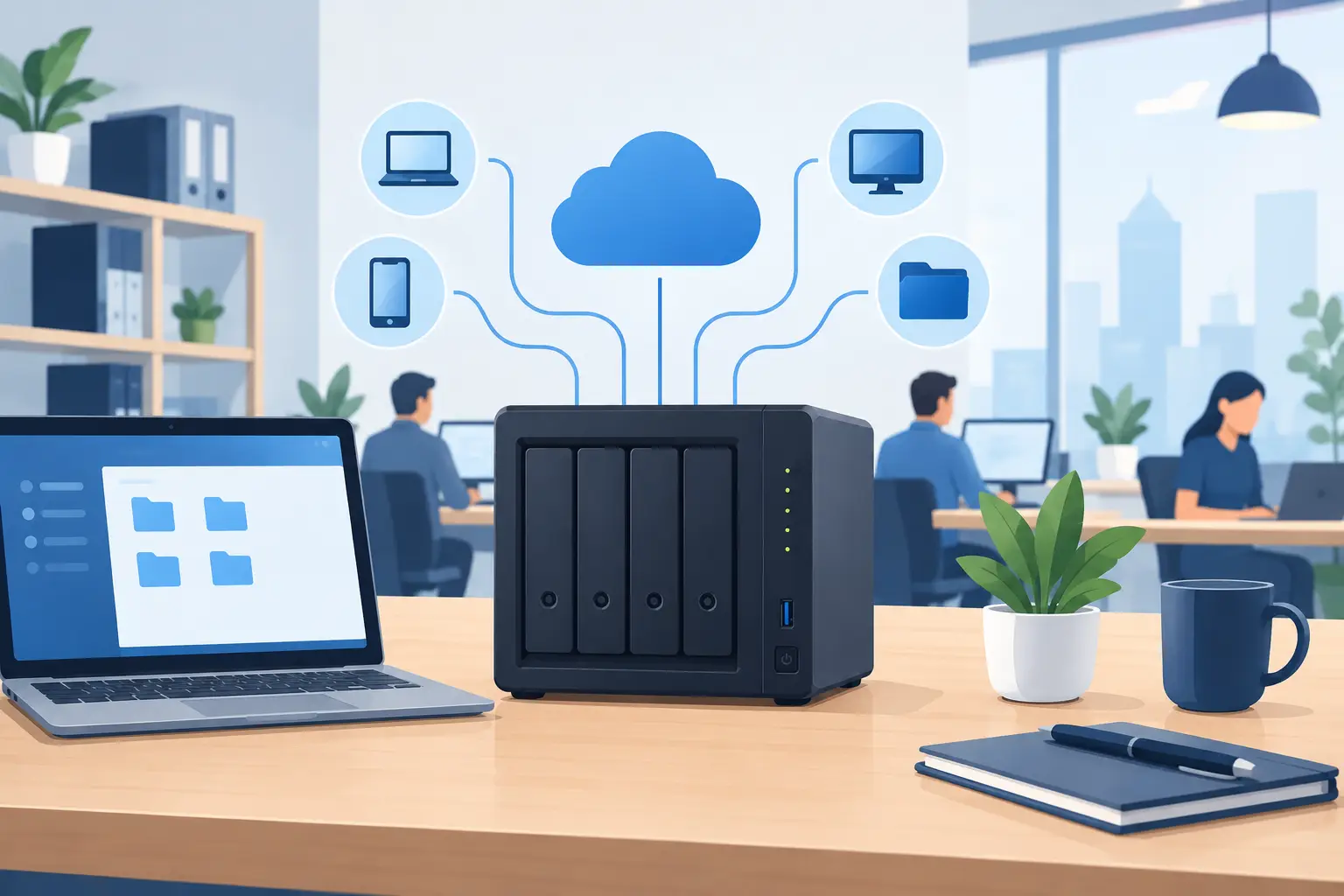
A shared drive that disappears during a busy workday can stop an office cold. Staff cannot open client documents, update job files, scan paperwork, or access the records they need to serve customers. A well-planned NAS setup for small business gives your team a central place to store and share files without relying on one employee’s computer, scattered USB drives, or an aging server in a closet.
NAS stands for network-attached storage. In plain language, it is a dedicated file storage device connected to your business network. The right system can make everyday file access easier while supporting backup, permissions, remote access, and recovery planning. But the hardware is only one part of the decision. The way it is configured determines whether it becomes a dependable business tool or another source of technical problems.
Start With the Business Problem, Not the Storage Box
A NAS is a good fit when employees need reliable access to common files at the office, such as proposals, accounting records, design files, scanned documents, photos, or departmental folders. It can also be useful for local backup, video surveillance storage, and keeping a controlled copy of important cloud-based data.
Before choosing a model, look at how your office actually works. A five-person accounting office with mostly PDFs and spreadsheets has very different needs from a creative team editing large video files or a construction company moving photos and plans between field staff and the office.
Consider how many people will connect at once, how much data you have now, how quickly it is growing, and whether large files need to open quickly. Also identify which information is business-critical and who should be allowed to view, change, or delete it. These answers affect storage capacity, drive selection, network speed, user permissions, and backup requirements.
A common mistake is buying a NAS based only on the number of terabytes advertised on the box. Usable capacity is lower once you account for drive protection, future growth, and the free space needed for healthy performance. Planning for at least a few years of growth is usually more practical than filling a small unit on day one and facing another migration soon afterward.
Choose Hardware Built for Business Use
For most small offices, a two-bay or four-bay NAS is a reasonable starting point. A two-bay unit can protect data by mirroring one drive to another. If one drive fails, the second drive retains a copy. This approach is simple, but it uses half of the raw storage capacity.
A four-bay unit offers more room to grow and more flexible protection options. It may cost more upfront, yet it can be the better value for a business with expanding records, multiple departments, or larger media files. It also reduces the chance that a storage upgrade becomes an emergency project.
Use NAS-rated hard drives from a reputable manufacturer rather than standard desktop drives. NAS drives are designed for the steady operation, vibration, and multi-drive environments common in shared storage systems. Solid-state drives may make sense for specialized performance needs, but hard drives are often more cost-effective for general office file storage and backup.
The network matters just as much as the NAS itself. If the storage device is connected through outdated switches, weak Wi-Fi, or a single slow network port, employees may still experience delays. Wired connections are preferred for the NAS and fixed workstations handling large files. Gigabit networking is adequate for many offices, while faster network connections may be worthwhile for design, video, or high-volume data workloads.
Build Redundancy, Then Build a Real Backup Plan
Drive redundancy is valuable, but it is not a backup. This distinction prevents costly misunderstandings.
When drives are mirrored or grouped with redundancy, the NAS can continue operating after a single drive failure. That protects against a hardware problem. It does not protect against ransomware, accidental deletion, a corrupted folder, fire, theft, flood, or an employee intentionally removing files. If a bad file change is immediately copied to every drive in the unit, redundancy has copied the problem too.
A dependable NAS setup for small business should follow the 3-2-1 principle: keep at least three copies of important data, on two different types of storage, with one copy kept off-site. For example, your primary files may live on the NAS, with a local backup to another protected device and an encrypted backup stored off-site.
Snapshots add another valuable layer. A snapshot captures the state of files at a point in time, allowing authorized users or IT staff to restore earlier versions after accidental changes or some ransomware incidents. Snapshot retention should be planned carefully. Keeping too few versions limits recovery options, while keeping too many can consume storage quickly.
Backups also need testing. A backup job that reports success is encouraging, but the real question is whether your business can restore a file, folder, or full data set when it matters. Schedule periodic restore tests and document who is responsible for reviewing alerts. Recovery is not the time to discover that passwords, encryption keys, or storage capacity were overlooked.
Set Up Permissions Before Sharing Folders
Convenience should not mean every employee can access every record. A well-organized NAS uses individual user accounts and group-based permissions. For instance, accounting staff may need access to financial folders, while project teams need current job documents and managers may require broader access.
Avoid shared logins. When multiple people use the same account, there is no clear record of who accessed or changed a file. Individual accounts support accountability and make offboarding far safer. When an employee leaves, their access can be disabled without changing a password for the entire office.
Use the principle of least privilege: give each person the access needed to do their job, no more. It can feel easier to grant broad access at first, but overly open folders increase the damage from mistakes, compromised accounts, and internal misuse.
File naming and folder structure deserve attention too. A NAS cannot fix an office that stores documents in random locations under vague names. Establish a consistent structure for clients, departments, projects, or years. Decide where finalized documents belong and how older records will be archived. Clear organization saves more time than most businesses expect.
Treat Remote Access as a Security Decision
Employees may need files while working from home, visiting a client, or responding after hours. Remote access can be useful, but it should never be enabled casually.
The safest approach often depends on the business workflow. Some teams are better served by secure remote access through a managed VPN. Others may need secure file synchronization tools or a cloud collaboration platform alongside local NAS storage. Directly exposing a NAS to the public internet creates avoidable risk unless it is carefully secured, monitored, patched, and configured with strong authentication.
At a minimum, use unique passwords, multifactor authentication where available, current firmware, and restricted administrator access. Disable services that are not needed. Review login activity and alerts, especially failed login attempts or unfamiliar access locations. A business firewall and network segmentation can further limit the reach of a compromised device.
This is an area where professional guidance can save time and reduce risk. A convenient remote-access shortcut can become expensive if it creates an entry point for ransomware or data theft.
Plan for Maintenance and Recovery
A NAS is not a set-it-and-forget-it appliance. Drives age, firmware updates address security issues, storage fills up, and employee needs change. Someone should review capacity, failed-drive alerts, backup status, user accounts, and software updates on a regular schedule.
Keep a simple record of the NAS model, drive configuration, administrator credentials, warranty details, backup destinations, and recovery steps. Store this information securely, not only in the same NAS that may need recovery. If the person who originally installed the system is unavailable, clear documentation can prevent a short outage from becoming a prolonged disruption.
It is also wise to know what happens if the NAS fails completely. How quickly can your business restore essential files? Which departments need priority access? Could staff work from an off-site backup while replacement hardware is installed? Recovery time objectives should match the cost of downtime for your organization.
When a Managed Setup Makes Sense
Small business owners and office managers often have enough to manage without becoming storage administrators. A professional installation can include network assessment, hardware selection, drive configuration, user permissions, backup automation, security hardening, and a recovery test before the system goes into daily use.
For businesses across Los Angeles County, Azusa Technology can help align storage and backup decisions with the way your office works, then provide ongoing monitoring and support when a problem appears. That local, hands-on help matters when a failed drive or inaccessible folder is affecting real employees and customers.
The best NAS is not necessarily the largest or most expensive model. It is the one that gives your team dependable access to the files they need, protects those files from predictable risks, and has a recovery plan that works when the unexpected happens.