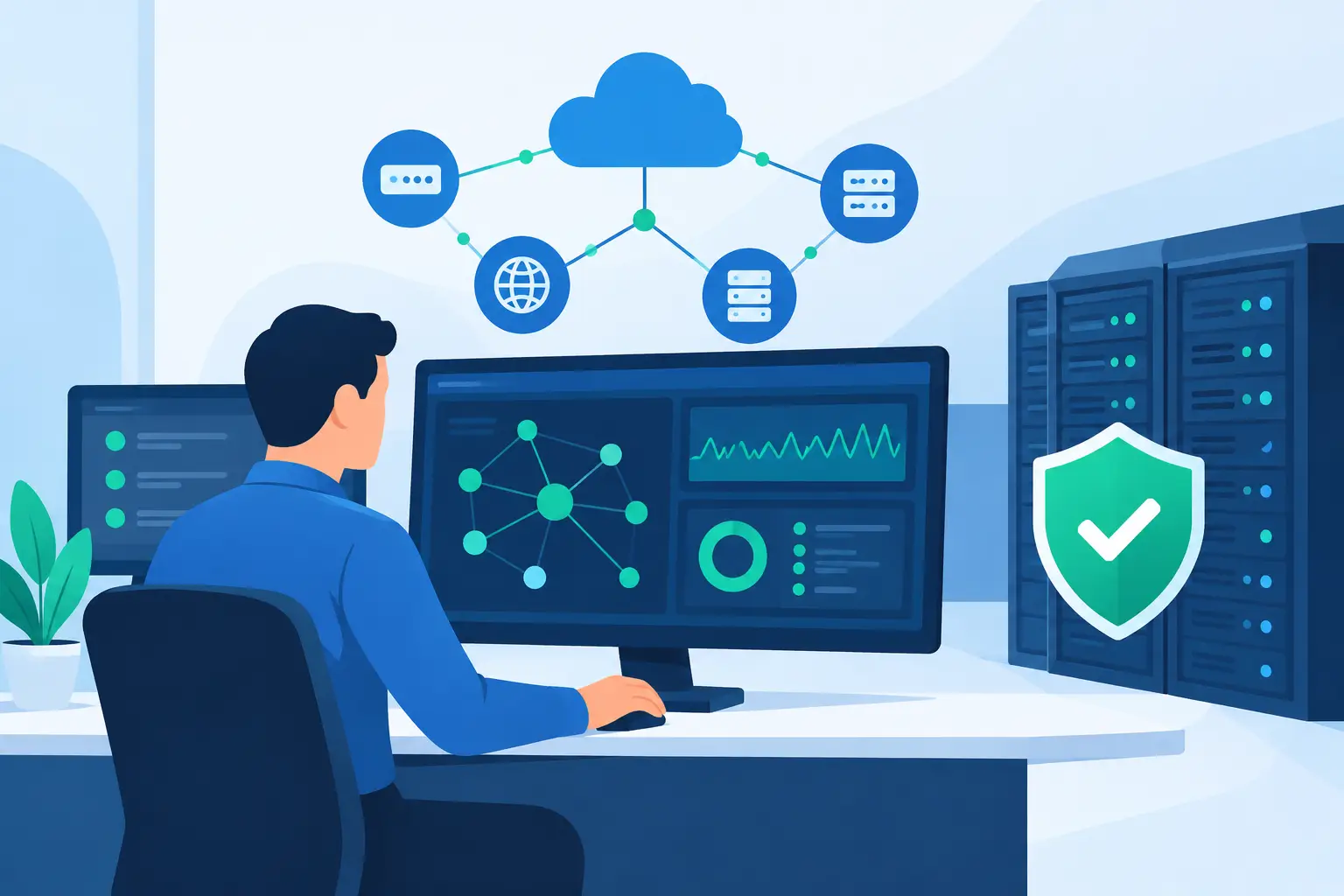
A slow internet connection at 9:00 a.m. can turn into a lost morning for an entire office. Cloud applications stop responding, calls drop, staff cannot reach shared files, and someone has to pause their work to figure out what changed. Proactive network monitoring services are designed to catch the warning signs before that disruption reaches your team.
For a small or midsize business, network reliability is not an abstract IT concern. It affects how quickly invoices go out, whether customers can reach your office, how securely employees work, and how much time leaders spend managing preventable technology problems. The goal is simple: find and address issues early, while they are still small and often before anyone notices them.
What Proactive Network Monitoring Services Watch
Network monitoring uses tools and experienced technicians to check the health of the systems your business relies on around the clock. That can include your internet connection, Wi-Fi equipment, firewall, switches, servers, workstations, backup systems, and critical cloud connections.
The monitoring software collects status information continuously. It can flag a device that is offline, a server running low on storage, repeated failed sign-in attempts, unusual traffic patterns, or a backup that did not complete. A useful service does more than generate alerts. It makes sure a qualified person reviews what matters, identifies the likely cause, and takes appropriate action.
This distinction matters. An office can receive hundreds of automated warnings and still be unprepared for a real problem. Good monitoring filters out routine noise, establishes a baseline for normal activity, and escalates issues that could affect security, performance, or availability.
The problems that often appear first as small alerts
Many costly outages begin with a condition that seems minor. A storage drive starts filling faster than expected. A network switch begins reporting intermittent connection errors. A wireless access point is overloaded during busy periods. An employee’s computer repeatedly fails to install a security update.
Left alone, these small signals can lead to a server crash, unreliable Wi-Fi, an exposed device, or an interruption that affects every user. Early visibility gives IT support time to correct the condition during a planned window rather than during a busy workday.
Why Reactive IT Support Costs More Than It Seems
Calling for help after something breaks is sometimes necessary. A failed laptop, spilled coffee, or unexpected power event cannot always be predicted. But a purely reactive approach means your IT provider first has to learn about the problem after work has already stopped.
At that point, the immediate priority is restoring service. The business may face lost staff time, frustrated customers, rushed decisions, and emergency replacement costs. There is also less room to investigate the underlying cause carefully, which makes recurring issues more likely.
Proactive monitoring changes the conversation from “Why is the office down?” to “We found an issue and are addressing it before it interrupts operations.” That does not promise that every outage can be prevented. Internet provider failures, hardware defects, and cyber threats can still occur. It does give your business a much better chance to reduce the scope and duration of an incident.
For organizations without an internal IT department, this is especially valuable. Owners and office managers should not have to interpret firewall logs or remember to check whether backups ran overnight. They need clear updates, practical recommendations, and a team that understands what downtime means to the business.
How Monitoring Supports Security and Data Protection
A network problem is not always a performance problem. It may be an early security concern. Repeated unsuccessful login attempts, unknown devices connecting to Wi-Fi, disabled antivirus protection, or unexpected outbound traffic can all deserve attention.
Monitoring helps identify these conditions sooner, but it is only one part of proper cybersecurity. A complete approach also includes managed firewall settings, timely software updates, strong account controls, secure Wi-Fi configuration, data backups, and employee awareness. Monitoring tells your IT team where to look. The supporting security practices help limit the damage if a device, account, or network is targeted.
Backups deserve particular attention. A backup job can appear to run normally while failing to capture certain files or while running out of available storage. Monitoring can identify failed or incomplete backup tasks so they can be corrected before the day you need to recover data. For a business that depends on client records, financial documents, or project files, that early warning is a major safeguard.
What a Practical Monitoring Plan Should Include
The right plan depends on your environment. A professional office with cloud applications, remote employees, and voice-over-IP phones has different priorities than a local shop with a few workstations and a point-of-sale system. A home office may need strong Wi-Fi coverage, secure remote access, and dependable backup protection without the complexity of enterprise tools.
Still, most effective proactive network monitoring services should cover several essentials:
- Availability checks for internet connections, network devices, servers, and other critical equipment.
- Performance monitoring for issues such as high processor use, low disk space, overheating, or overloaded Wi-Fi.
- Security-related alerts for suspicious activity, missing updates, firewall concerns, and devices that fall out of compliance.
- Backup monitoring to confirm scheduled jobs complete and storage capacity remains available.
- Clear escalation and response procedures, including remote support and on-site assistance when the situation calls for it.
The last point is easy to overlook. Monitoring has little value if an alert sits waiting for someone to respond. Ask who reviews alerts, how serious issues are prioritized, what communication you can expect, and when an on-site visit is available. For Los Angeles County businesses, having a local team that can provide hands-on help when remote troubleshooting is not enough can make a real difference.
Monitoring Is Not the Same as Watching Everything
More data is not automatically better. Monitoring every possible metric can create alert fatigue, unnecessary cost, and confusion about what actually needs attention. The better approach is to focus first on systems that would cause the greatest business impact if they failed.
For example, a legal office may prioritize secure file access, backup status, firewall activity, and reliable connections for its case-management software. A medical or professional services office may need close attention to device security, uptime, and access controls. A growing business may focus on Wi-Fi capacity, cloud performance, and aging equipment that is becoming harder to support.
Your monitoring plan should be reviewed as your business changes. Adding remote staff, moving applications to the cloud, opening another location, or installing new security cameras can all change what needs attention. Monitoring should support a technology plan, not become a collection of reports no one uses.
When On-Site Support Still Matters
Remote tools can resolve many problems quickly. Technicians can apply updates, investigate alerts, restart services, adjust configurations, and guide users without waiting for a visit. That speed is one of the strongest benefits of managed IT support.
Some issues require a person at the location. A damaged cable, failing network switch, poorly placed wireless access point, or physical server problem may need hands-on diagnosis. Businesses benefit from support that can move between remote response and on-site work without forcing them to find a separate vendor.
Azusa Technology combines around-the-clock monitoring with approachable support and local technical assistance, helping businesses address both immediate issues and longer-term network needs. The right provider should explain what happened in plain language, what was done, and what should be improved to reduce the chance of repeat trouble.
Choosing a Service That Fits Your Business
Before selecting a monitoring provider, consider the systems your staff cannot work without. Think about what happens when internet access, phones, shared files, email, or key applications go down for an hour. Those answers should shape the service level, response expectations, and budget.
It also helps to ask whether the provider takes a preventative view. Do they identify aging hardware before it fails? Do they discuss network upgrades when your Wi-Fi is consistently overloaded? Do they review recurring alerts and recommend practical fixes? A provider that only reports problems is not delivering the same value as one that helps prevent them.
Reliable technology should fade into the background so your people can focus on customers and daily work. With the right monitoring, clear communication, and responsive support behind it, your network can become one less thing competing for your attention.